 Darnly
Image to text: copy text from a screenshot
Drop or paste a screenshot and get its text, with every line boxed on the picture so you can see what was read. Copy it, or copy it as a prompt for your AI agent. It runs in your browser, so nothing is uploaded.
Free from Darnly. Spot a bug in the app you're building? Darnly hands it to Claude Code, Codex or Cursor in one key.Add to Chrome
See the prompt
Screenshotting errors for your agent all day? Darnly grabs the error, the page and the broken part in one click, and hands it to Claude Code, Codex or Cursor.Add Darnly to Chrome, it’s free
Line by line: how sure we are of each one
| # | Line | Sure |
|---|
More free tools
See all 89 toolsHow it works
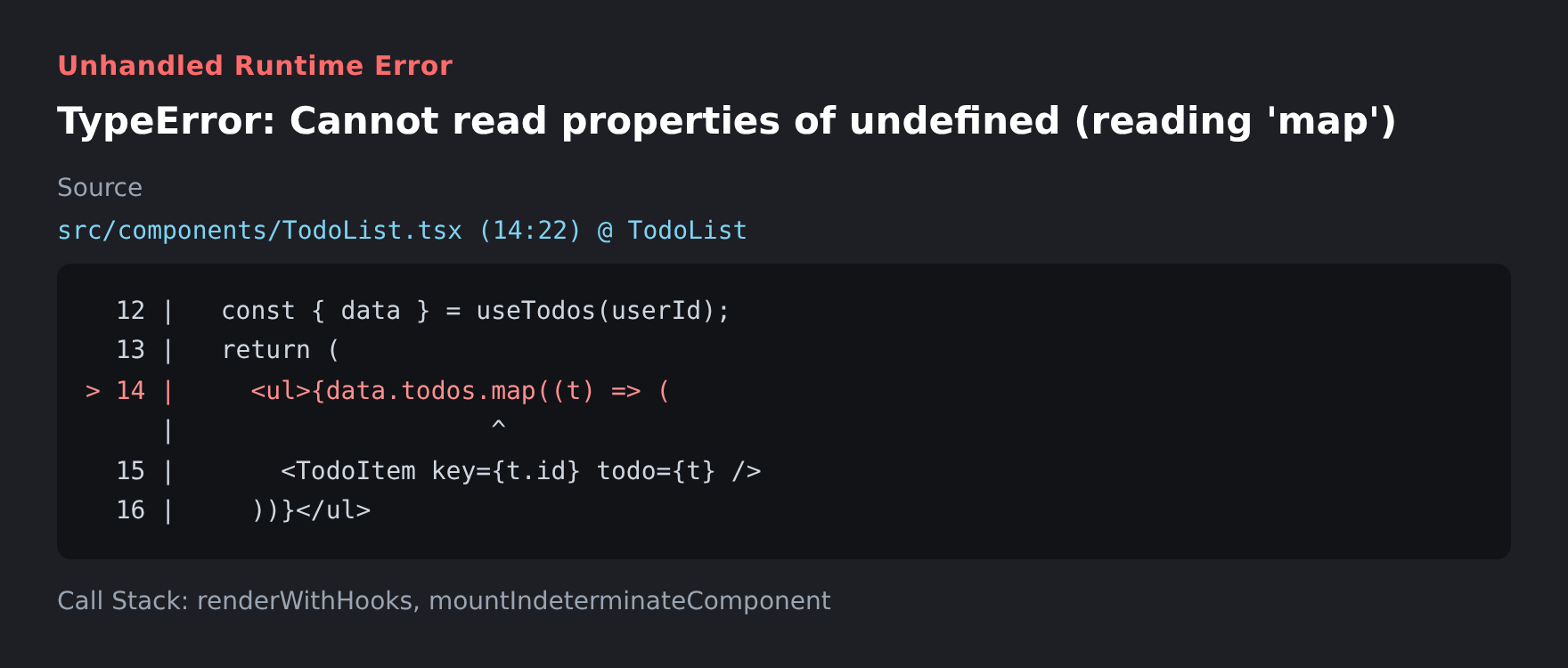
- Drop in a screenshot, or paste one straight from your clipboard with Ctrl+V (⌘V on a Mac). Until you do, we show a sample error screenshot.
- Wait a few seconds. The first time, your browser downloads the text reader (about 7 MB); after that it starts right away. Every line we find gets a box on the picture.
- Check the text on the right. Lines boxed in amber are ones we’re less sure of, so give them a quick look. Fix anything by typing in the text box.
- Press Copy text, or Copy as a prompt for your AI agent to paste the error straight into Claude Code, Codex or Cursor.
Questions
Is my screenshot uploaded anywhere?
No. The text is read in your browser, on your computer. Your screenshot never leaves it.
Why is the first one slow?
The first time, your browser downloads the text reader and the English language file, about 7 MB. Your browser keeps them, so the next screenshots start in a second or two.
Which languages does it read?
English, and anything written in the Latin alphabet mostly works too. Accents can come out wrong. It doesn’t read handwriting.
How do I get the best result?
Use a real screenshot, not a photo of your screen. Crop to the part you need: less clutter means fewer mistakes. Small text reads better when you zoom the page in before you take the screenshot.
Why not just paste the screenshot into my AI agent?
You can. But text is easier for the agent to search the code with, and you can copy the exact error into a search engine or an issue. Long stack traces also fit better as text than as a picture.
Can I copy text from a picture on my phone?
Yes. This page works in your phone’s browser too: choose a picture from your photos and the text appears below it.